
1,249 Views
cPHulk Brute Force Protection is a tool for preventing brute force assaults on servers. It is effective because it restricts access to your server to IP addresses that have attempted brute force attempts. This interface is used to set up cPHulk, a service that protects your server from brute force attacks. A brute force assault employs an automated technique to guess your web server’s or services’ password.
STEPS:-
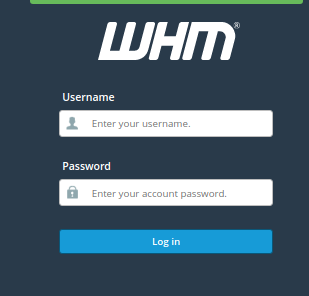
1. Login to whm panel
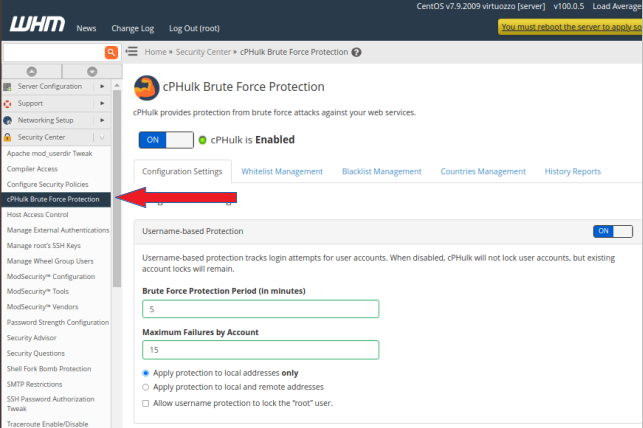
2. In the left side menu bar, expand the “SECURITY CENTER” section and click on “CPHULK BRUTE FORCE PROTECTION.”
3. In this section, you will find the “ON / OFF” toggle. Where ‘ON’ means cPHulk is enabled and ‘OFF’ means disabled.
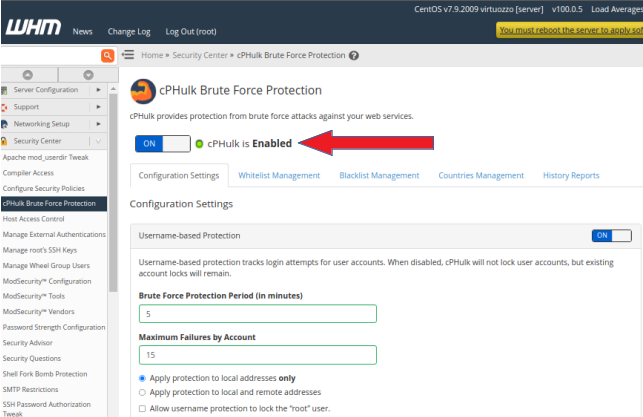
From here you can manage the service of cPHulk.