Redis is an open-source archive data store used as a website, cache, and message vendor that can be used as a drop-in caching back-end for your Drupal or WordPress website.
How do Redis caching works?
Most web-based frameworks such as WordPress use a database to store in-app internal “items” (menu trees, filter results, etc.) and store archive content. Redis provides an alternative to archiving, removing that functionality from a website, which is important for increasing the number of logged-in users. This is achieved by keeping the query results as memory blocks.
1.Redis packages are not available under the default repositories. You need to enable the EPEL yum repository on your server first. Use the command below to enable :
# yum install epel-release
2. Install the Redis server using this command :
# yum install -y redis
3. After installing the Redis server, restart and enable to auto-start the Redis service on system reboot with this command :
# systemctl start redis

# systemctl enable redis
Installing PHP Redis Extension on the WHM Server
STEPS: –
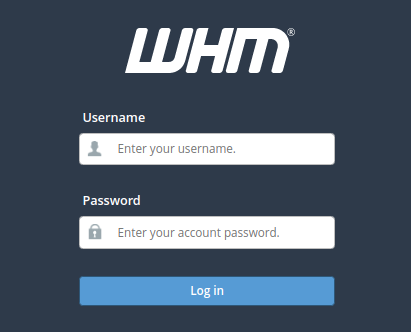
1. To use this tutorial, you must have root access to your WHM / cPanel server.
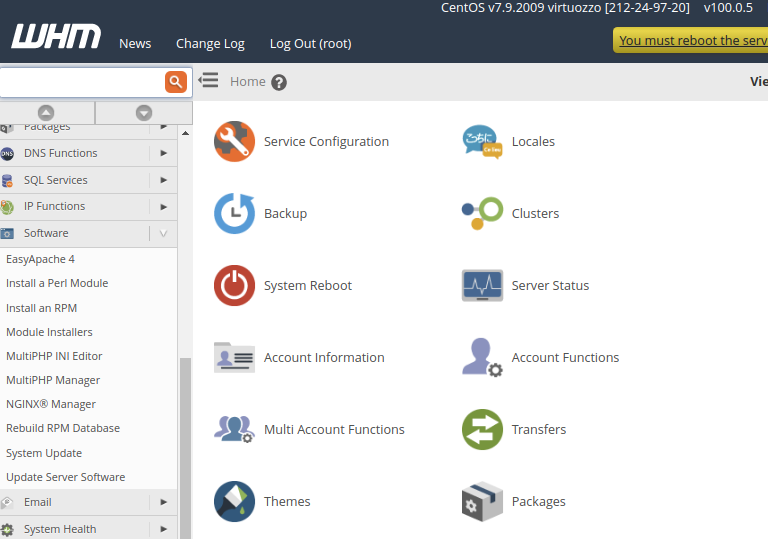
2. Now find the “SOFTWARE” section in the menu bar and expand it; click on “MODULE INSTALLERS.”
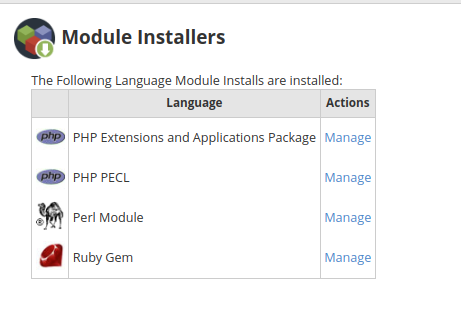
3. In the “MODULE INSTALLERS” section, click on “MANAGE” infront of the ‘PHP PECL’ option.
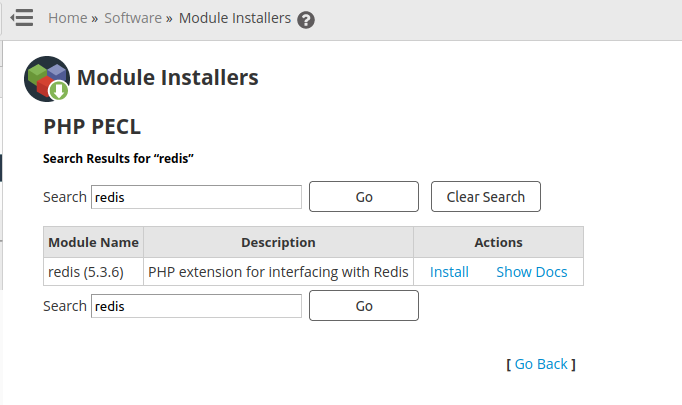
4. You can install Redis PHP extension for all installed PHP versions on your system or install only the active version. We recommend installing for all versions.