2,798 Views
A port will always be associated with an IP address and a protocol, which completes the destination or origination address of a communication session. How we can open an port in CSF firewall via CWP panel will be explained here.
STEPS:-
1. Login to the cwp panel. (root privileges).
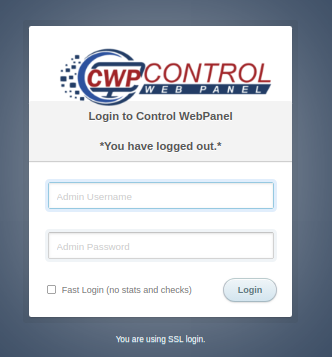
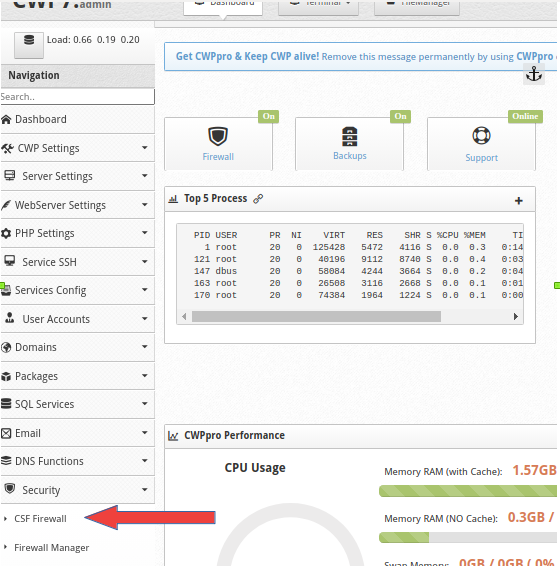
2. In the left corner, under the “NAVIGATION’ expand the ‘SECURITY’ option and click on ‘CSF FIREWALL’.
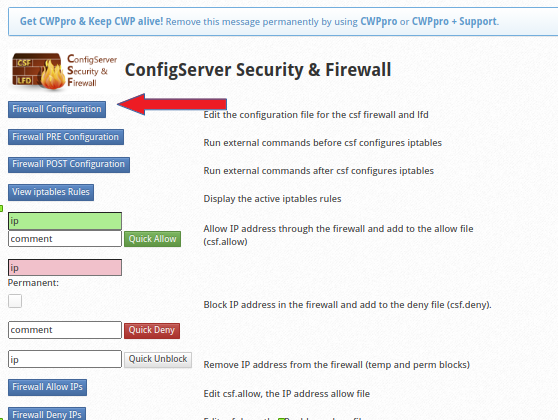
3. In the “CSF FIREWALL” section, click on “FIREWALL CONFIGURATION” and open the configuration file.
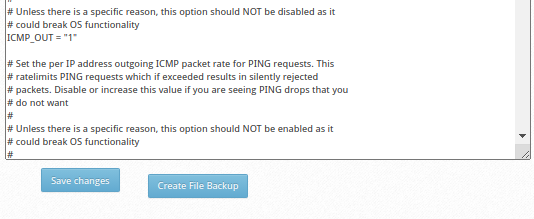
4. In the config file, find and edit “ALLOW INCOMING TCP PORTS” and “ALLOW OUTGOING TCP PORTS”.
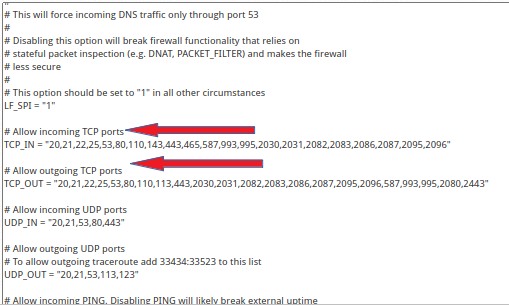
5. Save the file and restart the firewall service.