1,629 Views
Various commands operate regardless of whether they are typed into Server Management Studio, executed via the utility, or performed directly from a programme when restoring Server backups. Learn how to restore backups from full, differential, and transaction log by running each command in turn.
STEPS :-
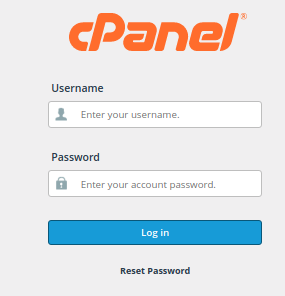
1. Login to cPanel
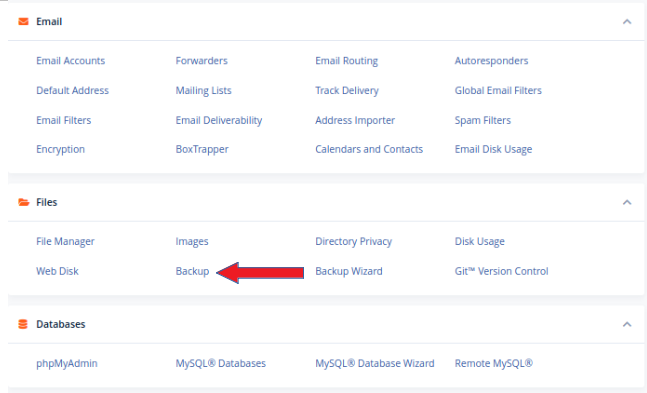
2. Now find the “FILES” section and click on “BACKUP”
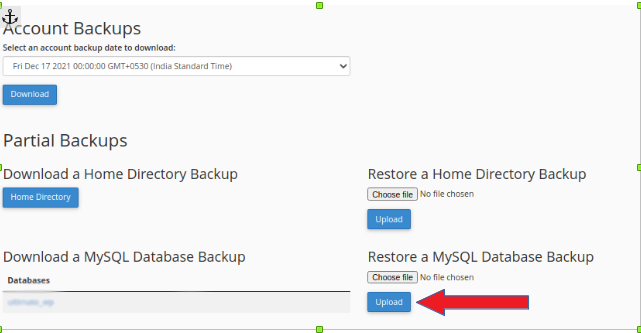
3. Under the section ‘Download a MySQL Database Backup’, you can see the available backup copies of the SQL. From here you can download the backup of the database.
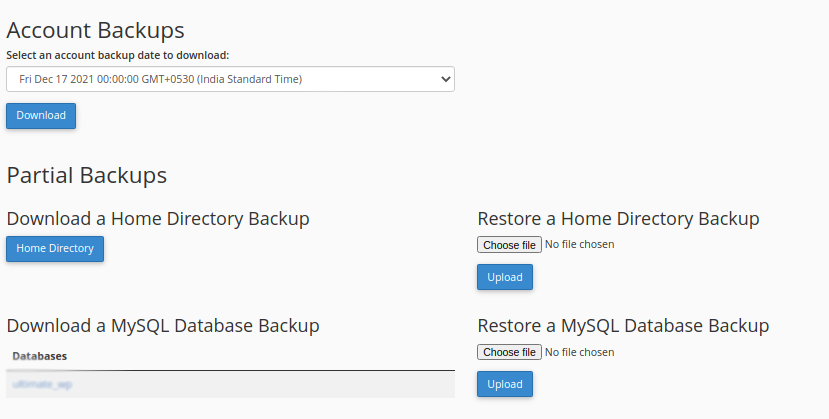
4. Under the section ‘Restore a Mysql Database Backup’, you can restore a MySQL datasbase backup by uploading the backup of the database.