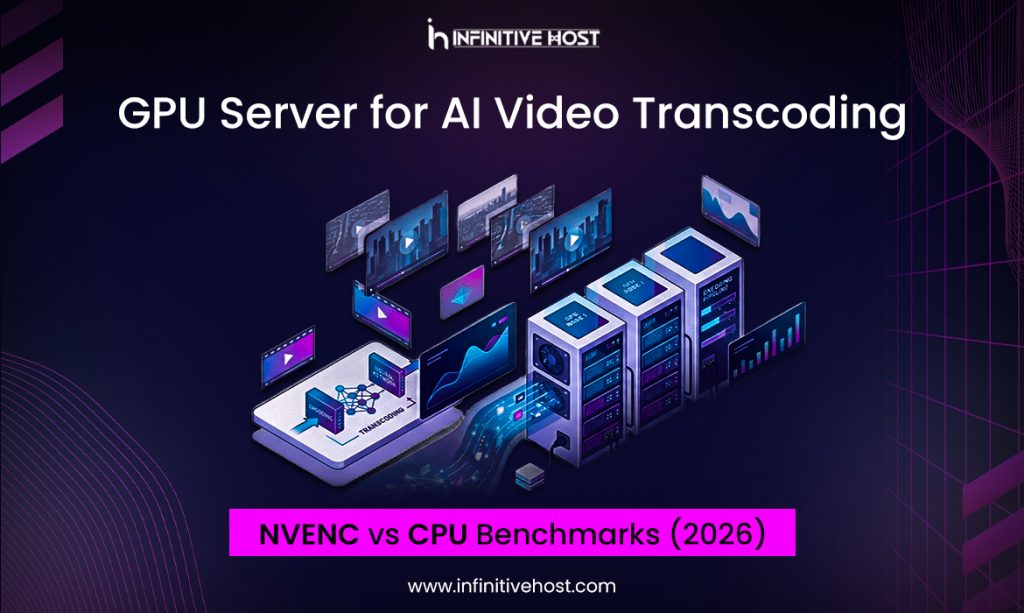
Numbers settle arguments that opinions can’t. So instead of telling you a GPU Server for AI video transcoding beats a CPU setup, let’s actually look at what NVENC delivers against software encoding in 2026 — with real benchmark ranges, not marketing rounding.
If you’ve been putting off the switch because “CPU encoding has always worked fine,” the gap has widened enough this year that it’s worth a second look.
NVENC vs Software Encoding: What’s Actually Different
Software encoding (libx264, libx265, SVT-AV1 on CPU) leans entirely on general-purpose cores. Every frame goes through motion estimation, transform coding, quantization, and entropy coding — all done in software, competing for the same CPU cycles as your OS and everything else running on the box.
NVENC, NVIDIA’s dedicated hardware encoder block, does this differently. It’s a fixed-function ASIC sitting alongside the CUDA cores on the GPU die. It doesn’t borrow compute from your AI workloads or your CPU — it just encodes, in parallel, independently. That separation is the entire reason a GPU Server for AI transcoding pipeline can run encoding and inference simultaneously without one starving the other.
The tradeoff has historically been quality-per-bit. Software encoders, given enough time, squeeze out marginally better compression at the same visual quality. In 2026, that gap has narrowed considerably — NVIDIA’s 7th-gen NVENC (Blackwell-class GPUs) closes most of the quality difference that existed even two years ago.
The Benchmarks: NVENC vs CPU at Scale
Across multiple test configurations on a GPU Server for AI transcoding setup, the pattern holds consistently:
1080p H.264 Encoding
NVENC on a single modern GPU handles 150–200 concurrent real-time streams. A 32-core CPU server running libx264 at a comparable quality preset manages roughly 8–12 concurrent streams before frame drops start. That’s a 15–20x throughput difference.
4K H.265/HEVC Encoding
This is where the gap becomes dramatic. NVENC processes 4K HEVC at 200+ fps on a single GPU. The same job on CPU, using libx265 at a “fast” preset, often struggles to clear 15–20 fps — meaning real-time 4K encoding is effectively impossible on CPU without a server farm behind it.
AV1 Encoding
Hardware AV1 support (available since the Ada Lovelace generation) changes the calculus entirely. CPU-based AV1 encoding via SVT-AV1 is famously slow — sometimes under 5 fps for high-quality settings on 4K source. NVENC AV1 on a GPU Server for AI node delivers 80-120 fps at similar quality targets.
Quality Delta
At matched bitrates, software x265 typically scores 1-3% better on VMAF/SSIM metrics than NVENC HEVC. For most production use cases — streaming platforms, broadcast, UGC — that difference is imperceptible to viewers and easily compensated for with a modest bitrate bump.
The conclusion from these numbers is straightforward: unless you’re doing offline encoding where time genuinely doesn’t matter and you want to squeeze out every last fraction of compression efficiency, NVENC wins on any real-time or near-real-time use case.
Regional Benchmark Notes: Where Testing Happens
Benchmark conditions vary by region due to hardware availability, network conditions, and local compliance testing requirements.
In Germany, infrastructure teams running a Germany GPU server NVENC hardware encoding test typically validate against EBU broadcast standards, given the country’s central role in European media distribution. Results there consistently match published throughput numbers within a few percentage points.
The UK GPU dedicated server H.265 NVENC encoding setups common in London-based OTT platforms show similar throughput, with the added benefit of strong CDN peering reducing the bottleneck between encode and delivery.
France has its own testing culture around codec comparisons. A France GPU server NVENC vs software encoding 2026 benchmark run by several research-adjacent teams found NVENC throughput advantages holding steady even as software encoders improved their multi-threading efficiency.
For energy-conscious deployments, Sweden GPU dedicated 4K NVENC encoding benchmark results are particularly compelling — the same throughput numbers as anywhere else, achieved on a grid that’s overwhelmingly renewable.
Sensitive broadcast workloads in Switzerland lean on a Switzerland GPU server secure NVENC broadcast pipeline, where jurisdictional data protections matter as much as raw encoding speed.
Ireland GPU server NVENC real-time encoding test results from Dublin-based infrastructure show NVENC holding its throughput advantage even under sustained 24/7 live-streaming loads — a meaningful test, since thermal throttling can erode hardware encoder performance over long sessions if cooling isn’t properly provisioned.
In India, cost remains a major factor, and India GPU cloud cost-effective NVENC transcoding options have made real-time 4K encoding accessible to mid-sized regional platforms that previously couldn’t justify dedicated GPU spend.
The Netherlands GPU node NVENC throughput benchmark tests run out of Amsterdam show consistent numbers thanks to the region’s exceptional internet exchange infrastructure — encoding throughput rarely becomes the bottleneck when AMS-IX handles the delivery side.
And in the USA, USA GPU server NVENC accelerated video encoding deployments dominate live sports and large-scale UGC platforms, where the sheer volume of concurrent streams makes hardware encoding a financial necessity, not just a performance preference.
Where Infinitive Host Comes In
Infinitive Host, known across the industry as InfinitiveHost, runs dedicated GPU infrastructure across each of the regions covered above, configured specifically for transcoding workloads rather than general compute. Their nodes ship with current-generation NVENC hardware, meaning the benchmark numbers above are achievable out of the box rather than requiring custom tuning.
The ongoing InfinitiveHost NVENC GPU servers — save 25% OFF promotion makes this a sensible time to test a GPU Server for AI transcoding workload against your current setup directly, rather than relying on someone else’s benchmark. If you want a starting reference before running your own tests, the GPU4Host NVENC versus software encode analysis is a solid baseline covering throughput and quality metrics across common codec and resolution combinations.
Conclusion
The benchmark data is unambiguous: for real-time and near-real-time video transcoding, NVENC hardware encoding on a GPU Server for AI workload outperforms CPU-based software encoding by a wide margin — often 10-20x on throughput, with a quality tradeoff small enough to be a non-issue for most production pipelines. CPU encoding still has a place for offline, quality-obsessed archival work where time isn’t a constraint, but for live streaming, OTT delivery, and AI-augmented video pipelines, the decision isn’t close