A Complete Guide On How To Migrate Magento-1-to-Magento-2?
Still running your store on Magento 1? Let’s be honest—that’s like using a phone that no longer gets updates. It flawlessly works, but it’s kind of slow, riskier, and always holds you back.
The real shift in 2026? migrate magento-1-to-magento-2 and harness a quicker, safer, and future-proof eCommerce experience.
In this comprehensive blog, we’ll just take you through everything, ranging from reasons why you should migrate magento-1-to-magento-2, to simply how to do it systematically without breaking your presence (or your SEO strategies).
Why It’s the Right Time to Migrate Magento-1-to-Magento-2
Almost everyone knows that Magento 1 has now officially reached the end phase, which states that there are:
No more security updates
No more expert support
Increased vulnerability to ongoing cyber threats
Compatibility problems with advanced tools
And in the case of e-commerce, both security and speed are the two most important factors.
On the other side, Magento 2 provides:
Blazing-fast and fully dedicated performance
Cutting-edge security architecture
Mobile-friendly design
Smooth checkout (hello, higher conversions!)
So if you are fully serious about scaling your digital presence, the decision to migrate magento-1-to-magento-2 is not optional anymore—it’s crucial.
Know About Magento 1 to Magento 2 Migration
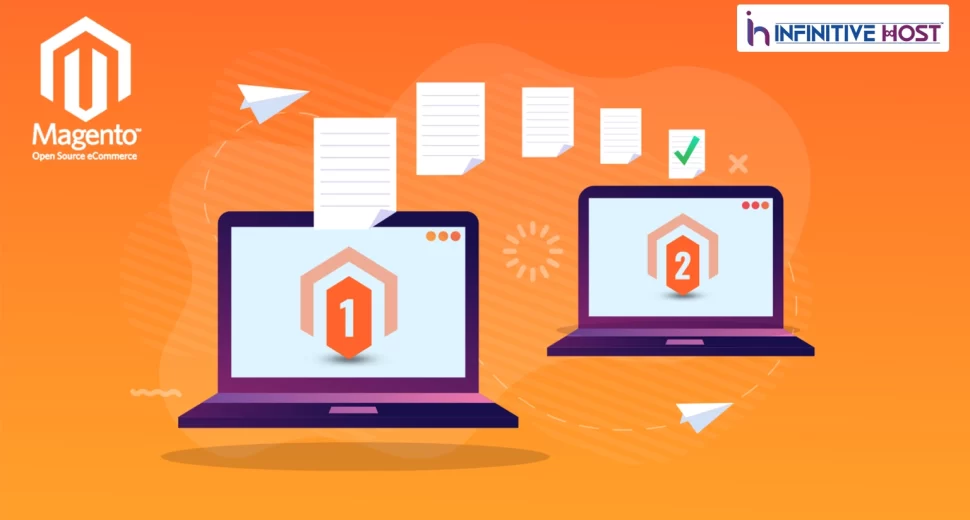
Let’s just sort out one important thing—this is not only an upgrade. When you migrate Magento 1 to 2, you are ideally rebuilding your online store from scratch with the help of an improved framework.
What Changes?
Codebase: Fully unique
Themes: Want redesign
Extensions: Need Magento 2-compatible versions
Database Structure: Updated and enhanced
That is the case why Magento 1 to Magento 2 migration needs dedicated planning, a perfect strategy, and constant web hosting support.
Advantages of Magento 2 After Migration
Once you have perfectly migrate magento-1-to-magento-2, here are some of the best features that you get:
Speed and Performance Increment
Magento 2 is the one that loads web pages quickly, decreasing the chances of unnecessary bounce rates and enhancing user experience.
Mobile-First Experience
Your online store now becomes completely responsive and improved for all mobile or smartphone users.
Improved Security
Robust encryption and built-in security components always keep your data highly secure.
Improved Admin Panel
More user-friendly dashboard = quicker store management.
SEO Benefit
Right and direct URLs, improved indexing, and quicker page load times = enhanced search engine rankings.
Pre-Migration Checklist
Before you deeply dive into migrate magento-1-to-magento-2, be ready just like an expert:
Audit Your Present Store
Check all performance-related problems
Find out unused extensions
Check customer and product data
Backup Everything
Just note that you should never skip any backup. Ever.
Plan Your Timeline
Try not to migrate at the time of high sales.
Selecting the Right Hosting Environment
Here’s where most of the people generally mess up.
Your chosen web hosting determines how seamless your migration (& future performance) will be.
Best Hosting Solutions:
Dedicated server → Full control and high performance
Cloud hosting → Scalable and reliable
GPU dedicated server → Ideal for AI-based customization and data analytics
Streaming server hosting → Best if your online store utilizes video content
Live streaming server setup → Ideal for live product selling and launches
With the help of Infinitive Host, you get exclusive infrastructure engineered especially for advanced Magento stores. Their solutions make sure that your Magento 1 to Magento 2 migration runs without any issues.
Step-by-Step Process to Migrate Magento-1-to-Magento-2
Let’s simply break it down into some of the useful steps.
Step 1: Set Up Magento 2 Environment
First of all, install Magento 2 on a staging server.
This lets us secure testing even before going live.
Step 2: Theme Migration
In this step, we know that Magento 1 themes won’t work.
You wish to:
Produce a new theme
Or utilize a Magento 2-based template
Step 3: Extension Replacement
Audit all your available extensions.
Remove unused ones
Simply replace with Magento 2 cooperative extensions
Step 4: Data Migration
This is the most important step of migrating from Magento 1 to Magento 2.
You’ll smoothly migrate:
Clients
Products
Orders
Categories
Utilize Magento’s official Data Migration Tool for more precision.
Step 5: Personalized Code Migration
If your online store has personalized features, they must be rebuilt for Magento 2.
Step 6: Testing and QA
Test everything means EVERYTHING:
Mobile-friendliness
Checkout process
Payment gateways
Web page speed
Step 7: Launch
Once everything is good, then just go live.
Don’t forget:
SEO redirects
DNS updates
General Challenges at the Time of Migration
Let’s keep it genuine—all things can go wrong in some ways.
Data Loss
Wrong migration can result in lost data.
Unexpected Downtime
Poor planning = store offline.
Compatibility Problems
Not every added extension survives the migration.
Budget Limit Exceeds
Unexpected prices can pop up.
That is the reason why working with trustworthy service providers like Infinitive Host is very important.
SEO Strategy During Migration
You have really worked so hard for your improved search engine rankings—don’t lose them easily.
Set 301 Redirects
Redirect all old URLs to recently created ones.
Keep Metadata
Headings, descriptions, keywords—keep them.
Submit Sitemap
Help Google index your new online store quickly.
Check Performance
Track all site traffic and search rankings after migration.
How Infinitive Host Supports Your Migration Process
When we just talk about the services offered by Infinitive Host, it’s a lot more than basic hosting.
They offer:
Unbeatable servers
Highly secure infrastructure
Flexible solutions
Migration-compatible environment
Even if you wish for a dedicated server, cloud hosting, or cutting-edge solutions such as GPU setups, Infinitive Host makes sure that your migration is seamless and future-proof.
Performance Gains After Migration
Once you smoothly migrate magento-1-to-magento-2, then think about:
Quicker load times
Reduced bounce rates
Boosted lead conversions
Improved mobile user experience
Your e-commerce store won’t just look good—it will perform in the right way.
Budget of Magento Migration
Prices may vary according to different factors, such as:
Web hosting type
E-commerce store size
Personalization level
Added Extensions
Estimated Range:
Small store → Low to medium budget limit
Big organization→ Higher investment
Additional Tips for a Smooth Migration
Wish for a struggle-free Magento 1 to Magento 2 migration?
Utilize the staging environment
Backup almost everything
Improve hosting
Test many times
Work with professionals
Future-Proof Your Store
Magento 2 is built for the future.
You can integrate:
AI recommendations
Advanced analytics
Headless commerce
Automation tools
And if you’re leveraging modern tech, even solutions from GPU server providers can enhance your store’s performance and personalization capabilities.
Final Thoughts
Let’s not overthink it.
If you’re still on Magento 1, you’re already behind.
The smartest move that you can make now is to migrate magento-1-to-magento-2 and flawlessly set your business up for long-term growth.
With the help of robust infrastructure from Infinitive Host and a powerful migration plan, you’re not just leveling up—you are revolutionizing your whole online experience.